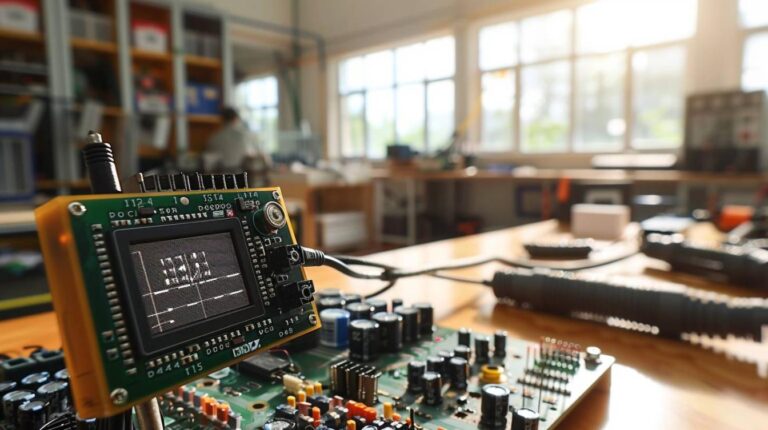
L’Arduino est une plateforme de développement open source qui permet aux développeurs de créer des projets innovants et intéressants. Avec l’utilisation d’un Arduino Expert LCD Seul, les développeurs peuvent créer des projets qui utilisent des écrans LCD pour afficher des informations. Dans cet article, nous allons examiner les avantages et les inconvénients de l’utilisation d’un Arduino Expert LCD Seul et comment il peut être utilisé pour créer des projets intéressants.
Afficheur LCD alpha-numérique seul
|
|
Infos techniques utiles
Programmes :
-
- Afficher du texte sur un afficheur LCD alphanumérique
- Contrôler un afficheur LCD alphanumérique à partir du Terminal série

A voir en ligne :
- A voir sur le site officiel Arduino
- Hello World – displays « hello world! » and the seconds since reset
- Blink – control of the block-style cursor
- Cursor – control of the underscore-style cursor
- Display– quickly blank the display without losing what’s on it.
- TextDirection– control which way text flows from the cursor
- Scroll – scroll text left and right
- Serial input – accepts serial input, displays it
- SetCursor – set the cursor position
- Autoscroll – shift text right and left
|
Donnez votre avis
★★★★★
Soyez le 1er à noter cet article
ou bien laissez un avis détaillé